How It Works
Three steps to a spam-free inbox
01
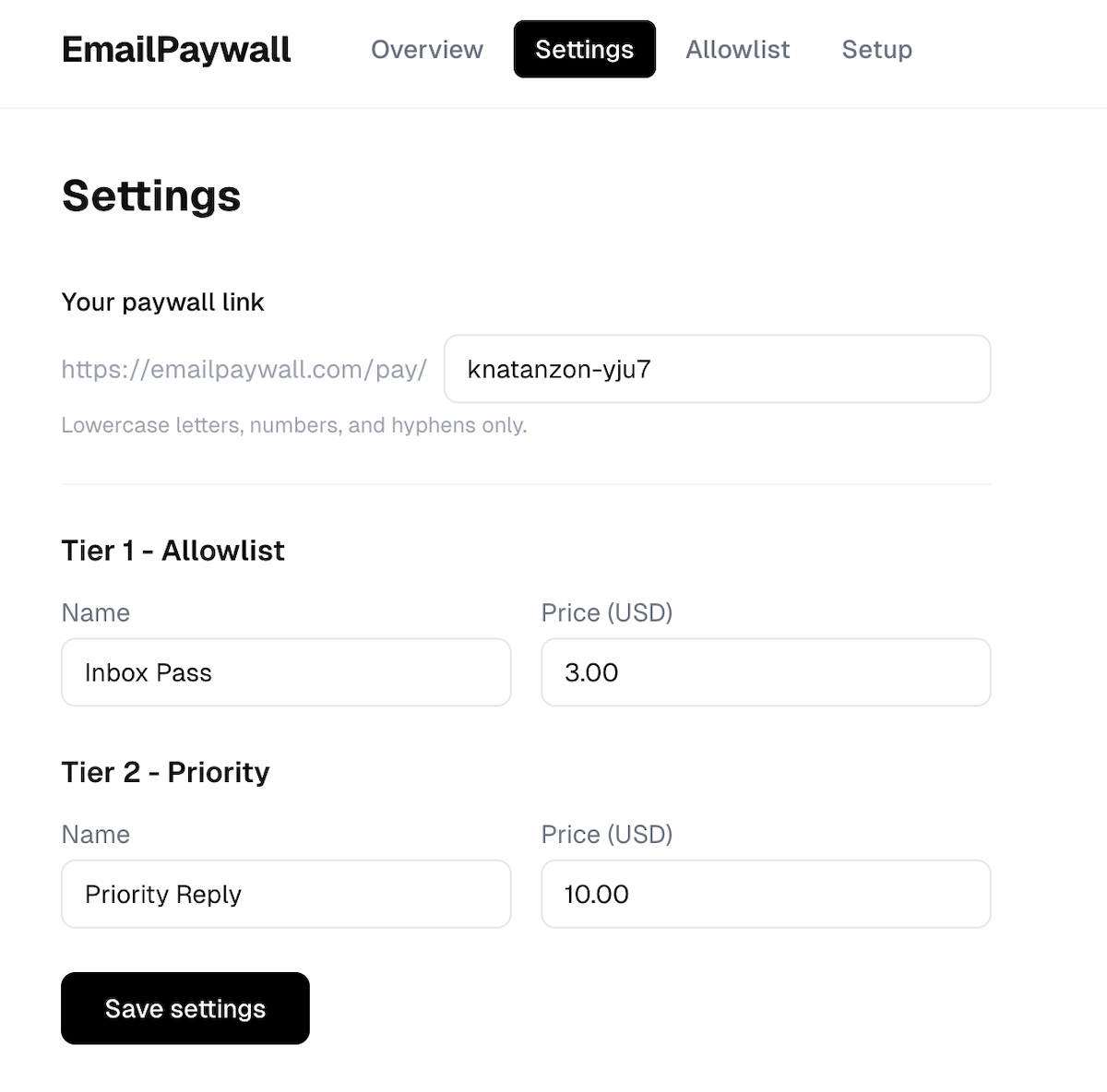
Setup Paywall
Setup your paywall without ever giving access to your emails. Just install the Google Apps Script.
02
Unknown sender emails you
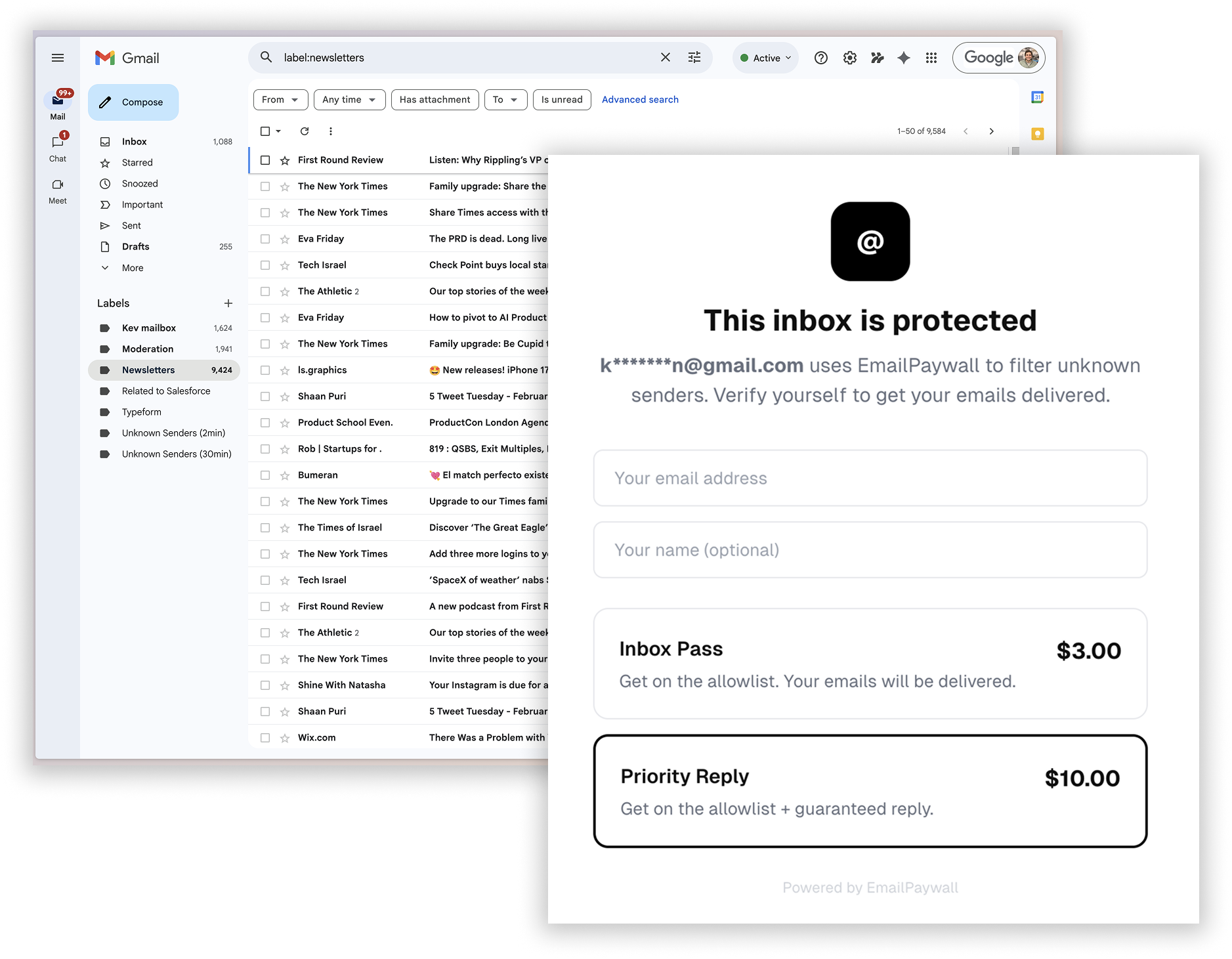
When someone not on your allowlist sends you an email, they automatically receive a reply with your personal paywall link.
03
Sender pays to prove intent
The sender pays a small fee you set, proving they’re a real person with something important to say, not a spammer.
Privacy First
No access to emails required.
Designed for executives who don't want to give access to their email.
Just copy and paste a simple script on your own G Suite.